

Knowledge Center
QR Menu & Ordering Setup Guides
Learn how to import your menu with AI, customize your storefront and start taking orders. Follow English and Arabic guides for QR ordering, payments, kitchen displays and daily service.
14-day Pro trial. No credit card required.Talk to our team
01 · 6 guides
Initial System Setup & Menu Building
Create the account, import the catalog, shape the storefront, and verify English and Arabic before launch.
02 · 5 guides
Ordering Channels & Custom Rules
Publish QR and direct web ordering with fulfillment, delivery, location, and availability rules that match each branch.
03 · 5 guides
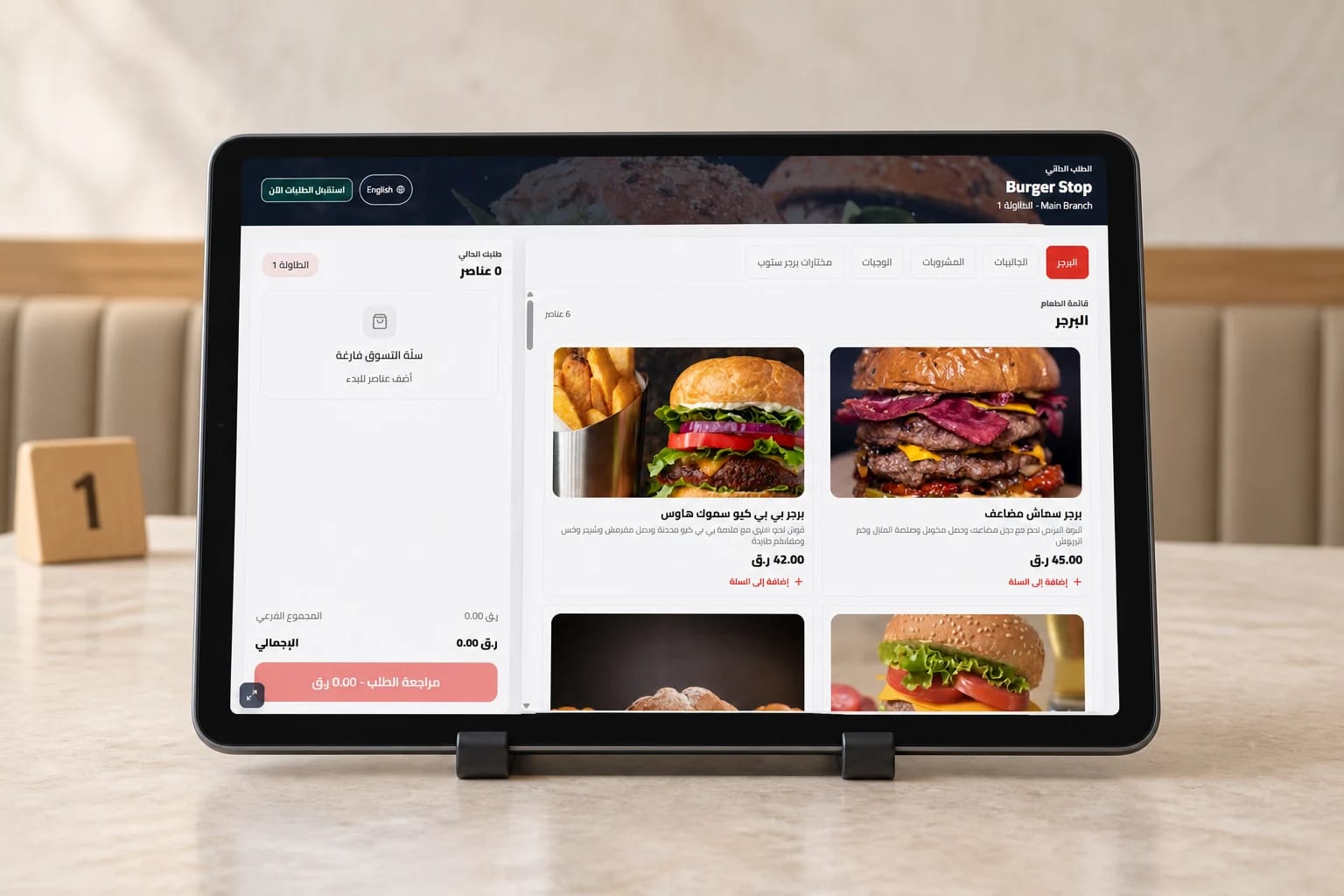
Table Tablets & Self-Service
Start with fixed table tablets for ordering and reordering, then add kiosks and live status boards where the operation needs them.
04 · 7 guides
Floor & Kitchen Operations
Connect waiter ordering, POS Lite, KDS stations, printers, runners, and payment collection in one accountable flow.
05 · 7 guides
Admin, Payments & Compliance
Control gateways, roles, branch tax settings, exports, and audit-ready operational records.