

Bilingual menus
Bilingual English & Arabic menus for restaurants
One menu, one link and one QR code. Every dish is written properly in Arabic and English.
- One menu, two languages
- Right-to-left Arabic
- One QR code
14-day Pro trial. No credit card required.Talk to our team
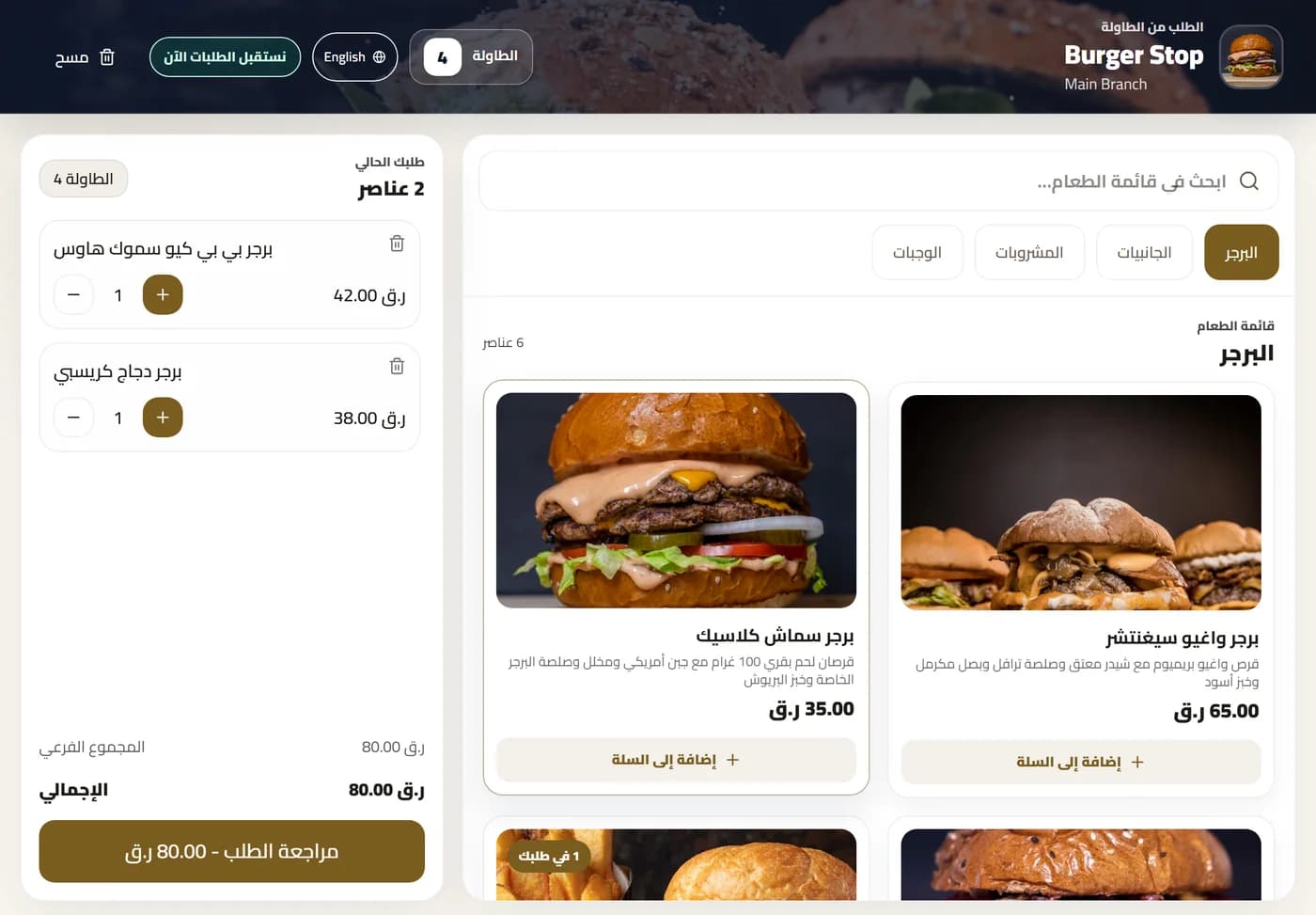
Restaurants in Qatar using DashDine
 U Cafe
 Sabroso by Nouga
 Baab Al Rayyan Kitchen
 Kebab Khodmooni
 Lalezar
 The Ivy
One menu, two languages
The same menu in English and Arabic.
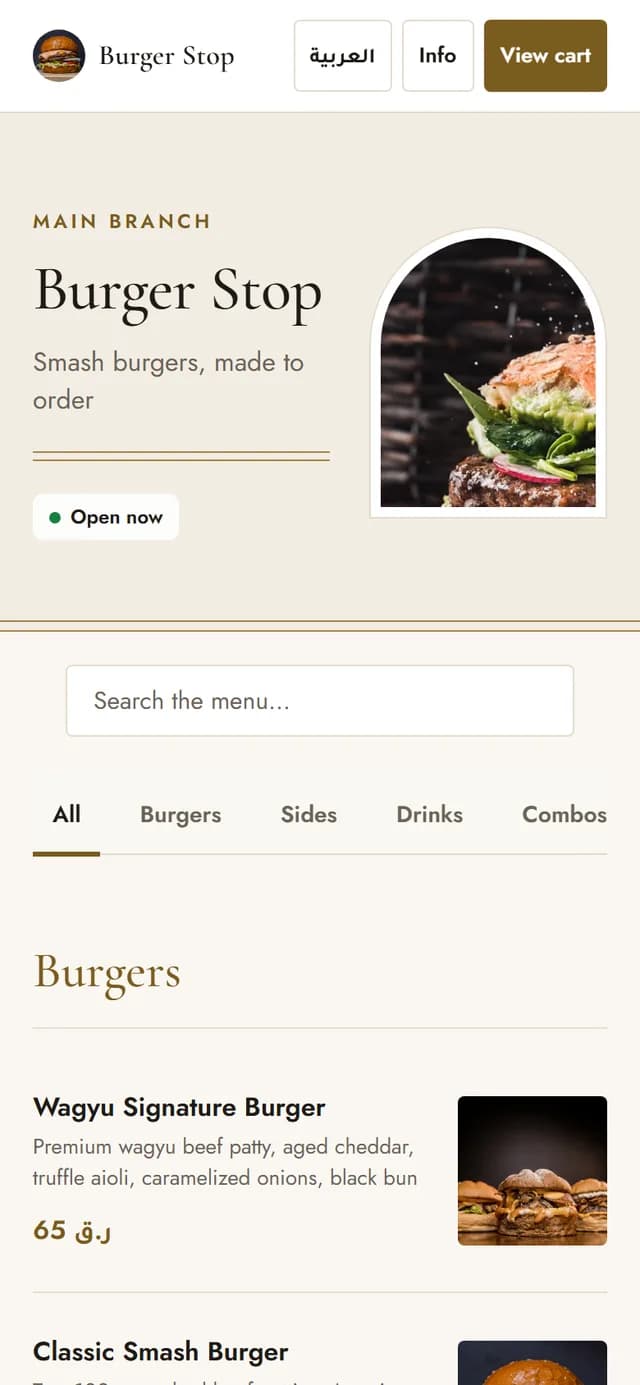
English, left to right
Guests who read English see the whole menu in English.
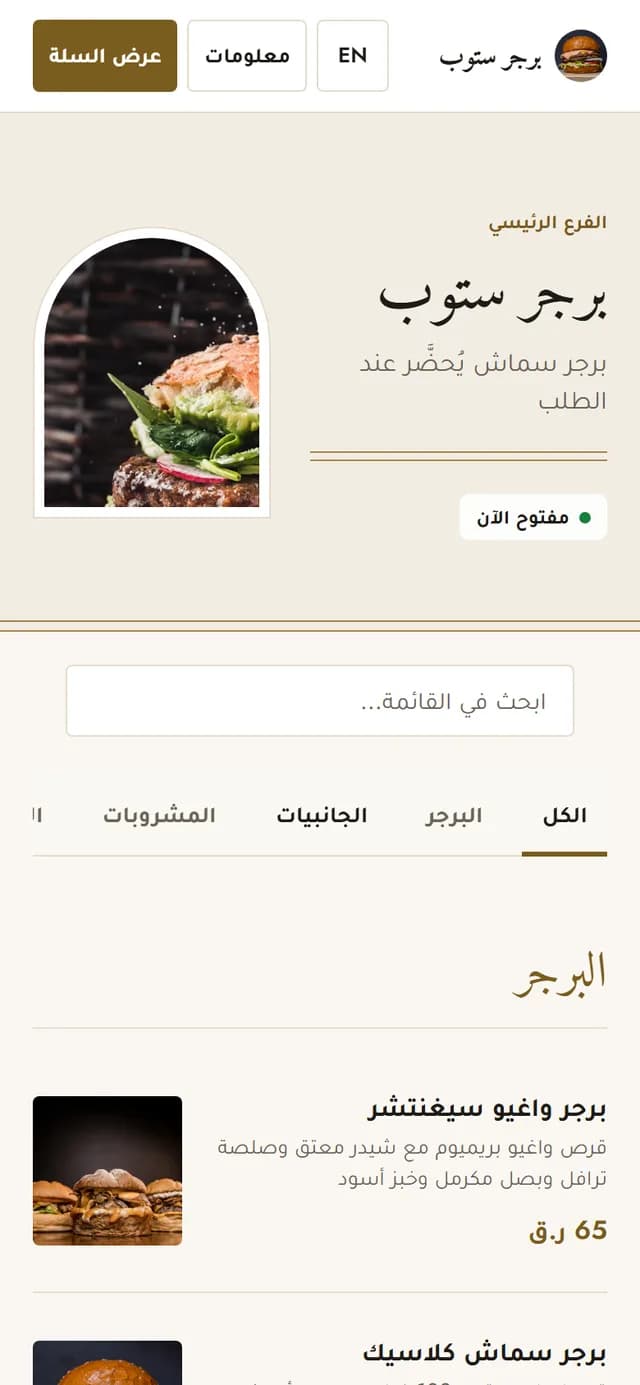
Arabic, right to left
One tap turns the whole menu to Arabic, right to left.
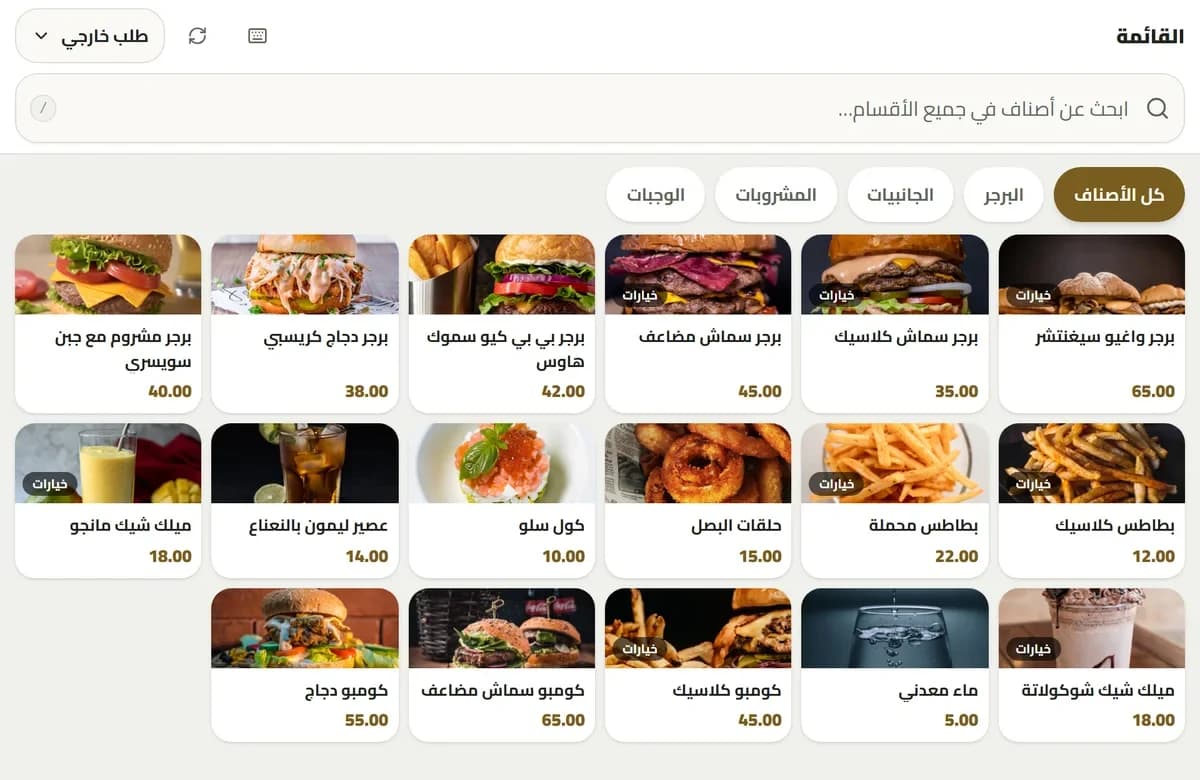
Your team in Arabic too
The POS, kitchen screen and waiter app also work in Arabic.
Translations
You control every word.
Write or import
Add each dish in Arabic and English, or import them from a menu workbook.
Review
Arabic from an import arrives as a draft for you to check.
Publish
Publish one language first, and add the other later.
Change once
A new price or a sold-out dish updates both languages.
Everywhere
Arabic on every screen, not just the menu.
Guest phones
The QR menu, ordering and checkout.
Table tablets
Each guest picks a language.
Kiosks
Arabic or English, the guest chooses.
POS
Each cashier picks their language.
Kitchen screen
Arabic dish names for the kitchen.
Reports
Bills and reports in QAR.
Full list
Everything in bilingual menus.
Layout
- The whole layout turns right to left
- Arabic fonts that are easy to read
- Prices and buttons in the right place
Menu
- One link and one QR code
- Prices always match
- Sold out shows in both languages
Control
- You write or approve every translation
- Publish one language first
Questions
What owners ask us.
Do I need separate QR codes for English and Arabic?
No. One link or table QR code offers both languages. Guests choose their language inside the menu.
Does Arabic use a proper right-to-left layout?
Yes. Arabic changes the direction, alignment, navigation and reading order, not only the words.
Can prices or availability differ between languages?
No. Both languages describe the same dishes, so prices and availability always match.
Can guests order in both languages?
Yes, on Pro, Growth or the free Pro trial. The Digital Menu plan is for browsing only.
Can I start in one language and add the other later?
Yes. Publish in one language, then add or review the second language dish by dish.
Talk to our team
Welcome every guest in their own language.
Leave your WhatsApp number. Our Doha team replies within 1 business day to help import your menu and set up your 14-day Pro trial.