Digitize your restaurant: everything DashDine replaces
Paper menus, phone orders, a chaotic kitchen, and a restaurant nobody can find online. Here is the pile of old tools DashDine replaces — and what each one becomes when you digitize.
Most restaurants are not short on effort. They are short on tools that talk to each other. The menu is on paper, the orders come in by phone and shout, the kitchen runs on tickets and memory, and the restaurant itself is nearly invisible online. Each of those is a small daily tax, and together they quietly cap how much a good kitchen can actually sell.
Digitizing is not about buying more gadgets. It is about replacing that scattered pile with one system where an order flows from a guest's phone to the kitchen to the runner without ever being retyped or misheard. Here is what DashDine replaces, one piece at a time.
## Paper menus → an AI-designed website with your menu as the landing page
A printed menu goes out of date the moment you change a price, and a PDF is barely better. When you digitize, your menu becomes a live website — and not a template you fill in. The AI reads your brand and designs a unique storefront for you: a hero, your story, your food, and a clear way to order. Your menu is the landing page, so the first thing a hungry guest sees is the food and the "add to order" button, not a homepage they have to click through.
It is bilingual by design — English and Arabic with proper right-to-left layout — and there is nothing for the guest to download. You generate a few concepts in the Storefront Studio, pick one, refine it in plain language, and publish. Publishing changes only the look; it never touches your menu items or prices.
## Phone and queue ordering → QR, kiosk, and staff order entry
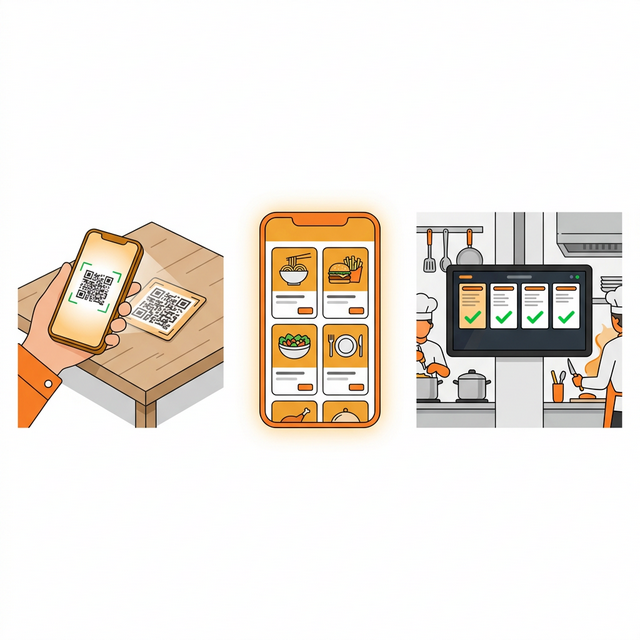
Orders taken by phone or shouted across a counter are where mistakes are born. Digitizing gives guests three ways to order that all land in the same place: they scan a QR code at the table or in the car and order from their own phone; a kiosk lets walk-ins order for themselves; and your staff can enter phone or counter orders directly. However the order starts, it arrives in one queue, in one format, exactly as it was placed.
None of this asks you to rip out your till. DashDine sits alongside your existing POS — it is the front door for guest orders and the kitchen workflow, not a replacement for how you already handle cash. You digitize the part that leaks time and accuracy, and keep what already works.
## Kitchen chaos → a live kitchen display
Paper tickets get misread, lost, or stuck together, and a ticket that has waited twenty minutes looks identical to one printed twenty seconds ago. When you digitize, the kitchen works from a live display instead. Orders appear the instant they are placed, complete and legible, and staff move each one through clear statuses — new, preparing, ready, out for delivery, completed — with a tap. The same status flows to the guest's phone, so the most common interruption in the building, "where is my order?", mostly disappears. For curbside, the runner sees the car's colour, model, and plate in bold and walks straight to it.
## Invisible on Google → your menu on Google Search and Maps (coming soon)
A lot of restaurants are effectively invisible at the exact moment a nearby guest is deciding where to eat. Getting your menu onto Google Search and Maps — so people can find your food, not just your phone number — is coming soon to DashDine. We would rather tell you it is on the way than pretend it already ships. When it lands, it will be part of the same system, not another tool to wire up.
## And the parts that only exist once you are digital
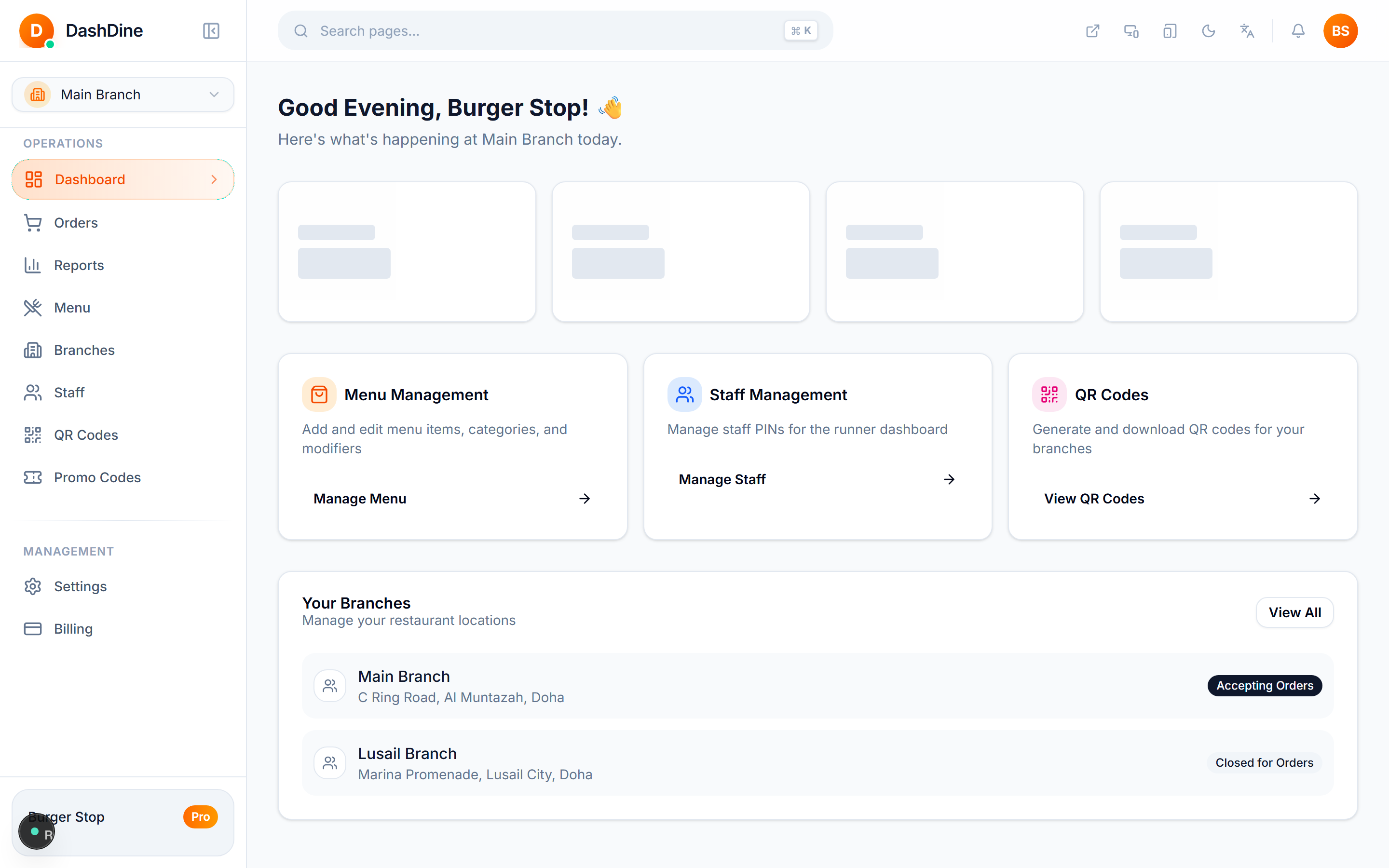
Digitizing does more than replace old tools — it produces things paper never could. Every order becomes data, so your reports show revenue by day, top-selling items, and peak hours without any end-of-month spreadsheet ritual. Promotions become measurable: a first-order discount, a quiet-afternoon offer, a spend-and-save deal, each with real limits and a real read on whether it paid. None of this is extra work; it is the by-product of running orders through one system instead of five.
## Where to start
You do not have to digitize everything at once. Most restaurants start with the menu-as-website and guest ordering, add the kitchen display, then lean on the reports and promotions as habits form. Each piece works on its own, and together they compound — which is the whole point of digitizing in the first place.
See the plans: DashDine pricing · or talk to us on WhatsApp.