Your menu is your best salesperson — if you let it
A QR menu is not just a digital version of paper. Done right, it is the thing that sells the upsell, hides what is sold out, and starts the order. Here is how to make yours work harder.
Most menus are a price list. They tell a guest what exists and what it costs, and that is it. A good menu does something more valuable: it sells. It makes the guest want the thing, nudges them toward the add-on, and gets the order moving without a server standing there waiting.
A printed menu cannot do much of that. A well-built digital menu can do all of it.
## Three jobs a paper menu cannot do
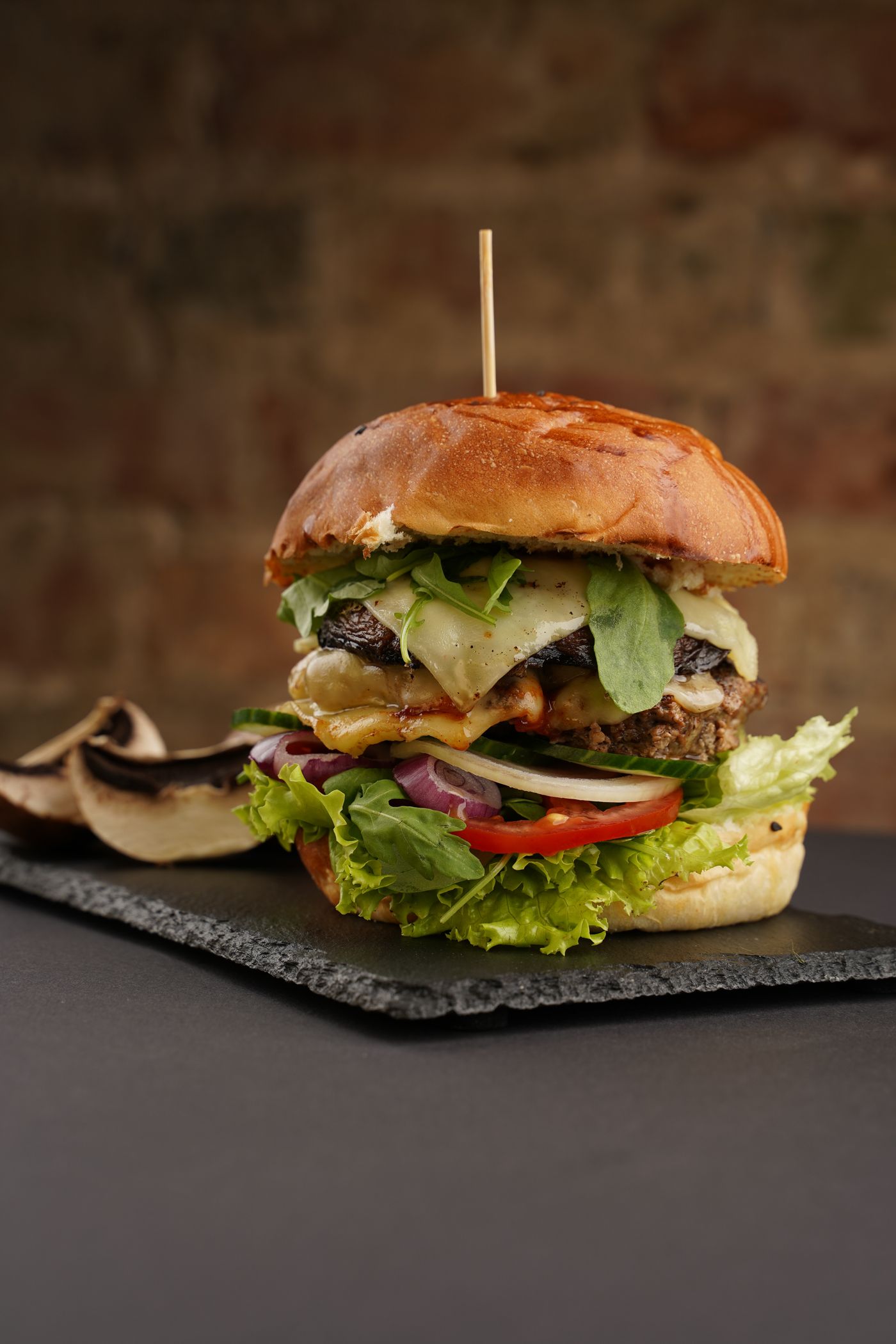
It cannot show the food. A photo of a dish does more selling than three lines of description ever will. On a digital menu, every item can carry an appetising photo — and guests order more of what they can see.
It cannot stay current. Run out of an item on a busy night and a paper menu keeps advertising it. Guests order it, you disappoint them, the server walks back to explain. A digital menu hides a sold-out item instantly, so guests only ever choose from what you can actually make.
It cannot upsell on its own. "Make it a meal," extra cheese, a drink with that — a paper menu relies on a server remembering to ask. A digital menu builds the prompt right into the order, every time, without anyone having to push.
## The menu that also takes the order
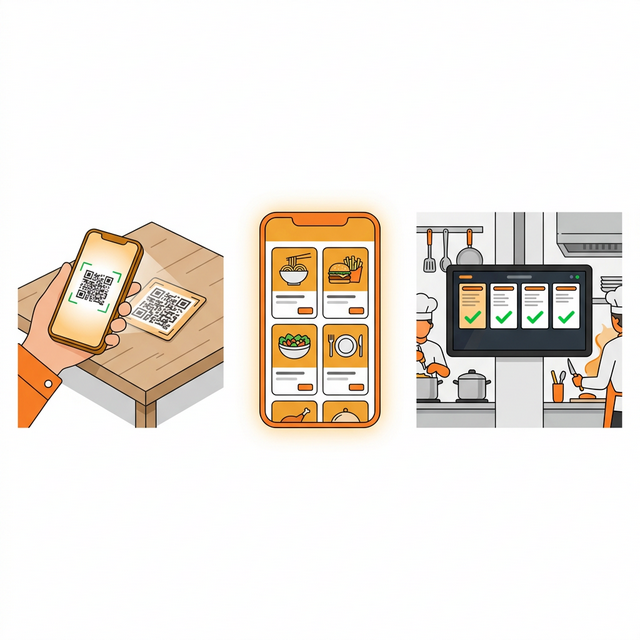
Here is the part that changes the economics. A QR menu is not just nicer to read — it is the start of the order. The guest browses, customises, and sends, straight from their phone. No waiting to flag someone down, no order written on a pad and re-keyed at a terminal. Fewer steps, fewer mistakes, faster tables.
And because it is a browser link behind a QR code or a direct URL, there is nothing for the guest to download. iPhone, Android, anything — they scan and they are in.
## Make yours work harder
If you already have a digital menu, a few things separate the ones that sell from the ones that just sit there:
- Photograph your top sellers first. You do not need every item shot on day one — start with the dishes you most want to move.
- Write descriptions that make people hungry, not just accurate ones. "Buttermilk-fried, house pickles" beats "chicken sandwich."
- Keep availability honest. Toggle items off the moment they are gone; it protects the guest experience.
- Turn on your add-ons. The easiest extra revenue you will get is the upsell the menu asks for on its own.
- Offer it in Arabic too. In Qatar, a menu that only speaks one language is leaving guests — and orders — on the table.
## Where DashDine fits
DashDine's digital menu is photo-rich, always current, and bilingual with full right-to-left Arabic. Sold-out items hide themselves, add-ons are built in, and the menu does not just inform the guest — it takes the order and sends it straight to your kitchen. If you would rather not build it by hand, the AI Menu Builder turns a photo or PDF of your current menu into a live one in minutes.
Try it: see the live demo · or explore the digital menu.