Scan, order, and pay: the no-app way to take orders
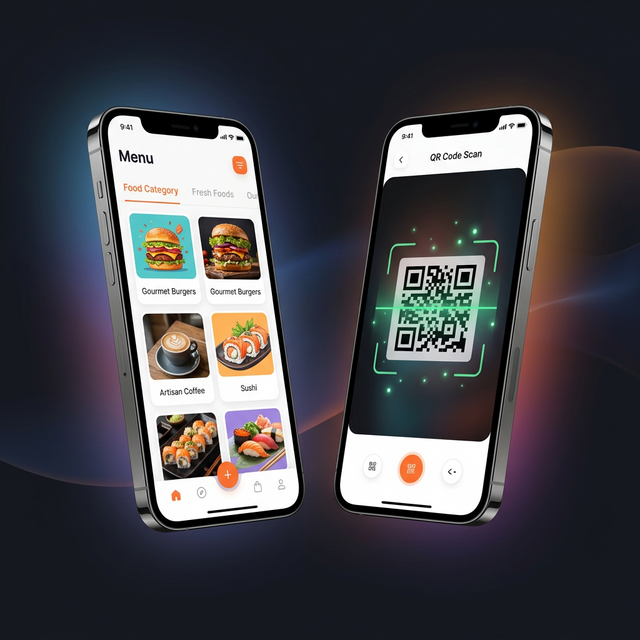
Scan a code, see the menu, order, and pay — no app and no account. Here is why the no-download path wins more orders.
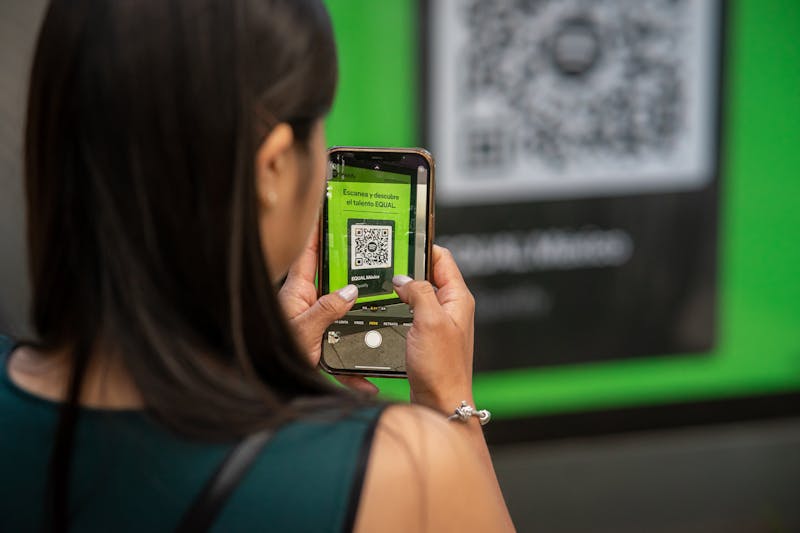
The smoothest ordering experience for your guests is the one that asks the least of them: scan a code, see the menu, order, and pay — all from the phone already in their hand.
## No app, no account, no friction
Every download you ask for loses guests. A DashDine code opens a mobile website instantly — no install, no sign-up. Guests browse, customize, and send the order straight into your kitchen.
## One code for the table, the counter, or the car
- Dine-in: a code on each table starts an order tied to that table
- Takeaway: a code at the counter or on a flyer
- Carside: the guest adds their car colour, model, and plate so your runner knows exactly where to go
## Pay now or pay at handoff
Let guests pay online in seconds, or track pay-at-handoff so your team always knows what is settled. Either way the order is captured cleanly and the kitchen starts right away.
## Why it works
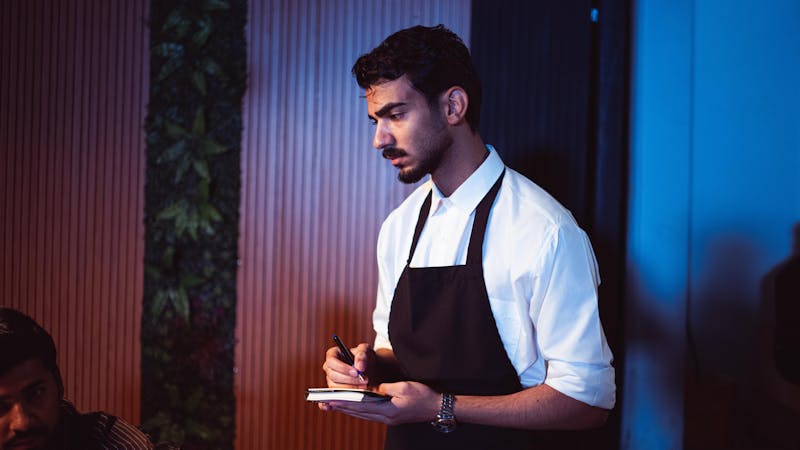
1. Faster table turnover — guests do not wait to flag down staff
2. Larger orders — the full menu with photos is always in front of them
3. Fewer errors — every choice is recorded exactly as the guest made it
Want a code for your restaurant? Talk to us and we will get you live quickly.