A simple carside ordering setup checklist
Carside ordering keeps cars moving — if the handoff is organised. A short checklist to launch curbside cleanly, from setup to peak-hour flow.
Carside (curbside) ordering keeps cars moving and guests happy — but only if the handoff is organised. Use this checklist to launch it cleanly.
## Before you go live
- Turn on carside as an order mode for the branch
- Decide where cars wait and how staff will reach them
- Make sure a runner is signed in on the tablet you will actually use
- Test the audio alert so new orders are never missed
## What the guest does
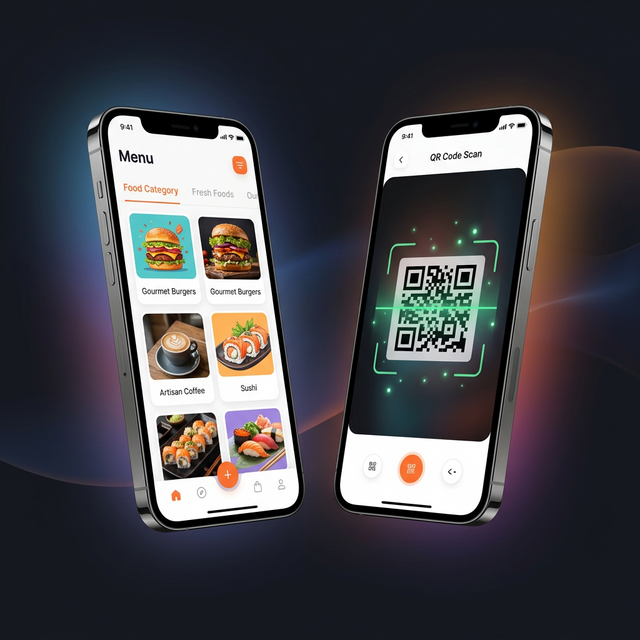
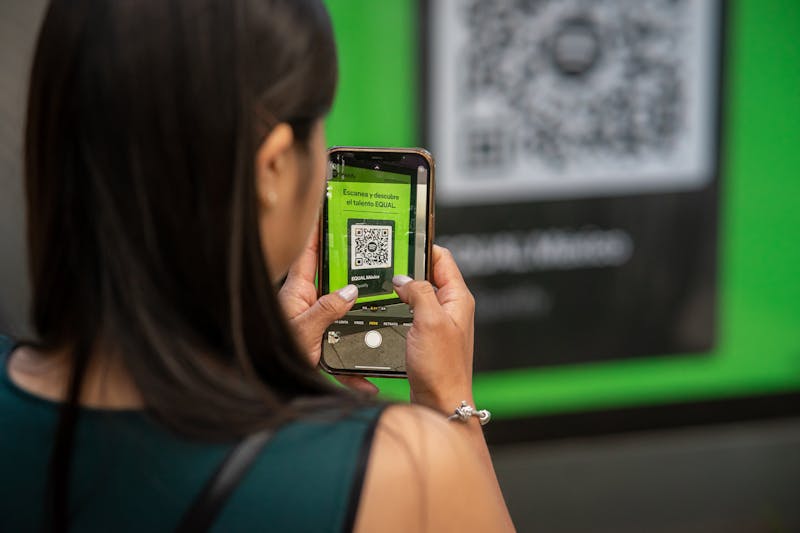
1. Scans the code or opens your link
2. Builds the order and chooses carside
3. Enters car colour, model, and the last 3-4 plate digits
4. Submits and waits — no phone call needed
## What your team sees
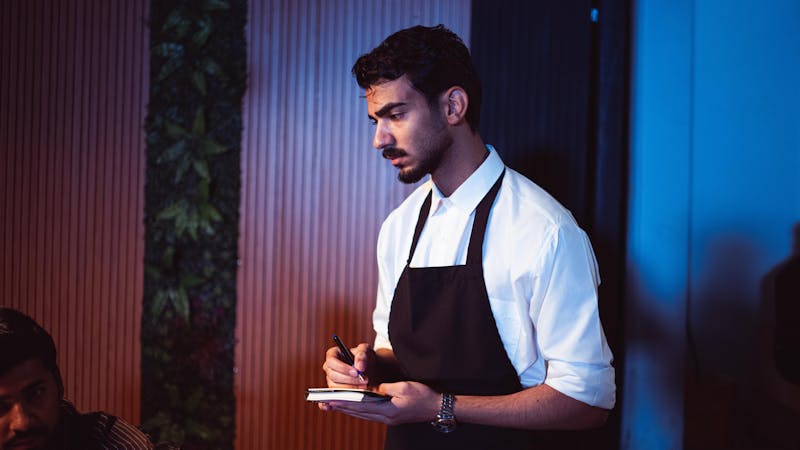
The moment the order is placed, it appears on the runner board with the vehicle details in large, bold text — for example WHITE LAND CRUISER · 660. The runner taps through preparing, ready, out for delivery, and completed, and the guest's tracking page updates at each step.
## Keep it smooth at peak
- Keep car descriptions short and consistent
- Use the live board to watch every active car at a glance
- Review reports weekly to see your busiest carside hours
That is the whole loop. Book a walkthrough and we will help you launch carside the right way.